
 Jesse Moran
This post contains affiliate links. If you purchase through one of these links, I may earn a commission at no additional cost to you. As an Amazon Associate I earn from qualifying purchases.
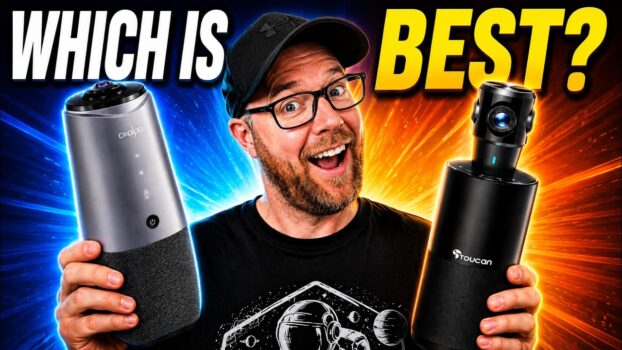
I tested the Coolpo AI Huddle PANA against the Kandao Meeting 360 to see which conference camera handled a real room better. I compared their 360-degree views, image stitching, built-in microphones, participant framing, controls, and ease of setup.
Watch the video
Quick comparison
| Area | Coolpo AI Huddle PANA | Kandao Meeting 360 |
|---|---|---|
| Camera approach | Single 360-degree camera with AI-generated participant views | Multiple cameras stitched into a 360-degree view |
| Tracking | Follows the active person and can create additional participant windows | Offers participant framing, but the test showed visible seams between camera views |
| Audio tested | Built-in microphone; speaker playback was also tried with music | Built-in microphone demonstrated in the recording |
| Controls mentioned | Volume and mute | Mute, Bluetooth, and framing controls |
What I found with the Kandao Meeting 360
The Kandao builds its 360-degree view from several cameras around the body. It covered the room, but I could see where the images were stitched together. When I moved an arm across a camera boundary, the shape distorted and the split became obvious. That seam was the biggest visual weakness in my test.
What I found with the Coolpo AI Huddle PANA
The Coolpo gave me a full panoramic view plus AI-generated participant windows from a single 360-degree camera. It followed me as I moved and highlighted the active speaker. Its detection was not perfect: a hat and shirt hanging in the room were briefly treated as another person, which is worth considering in a visually busy meeting space.
Audio and ease of use
I recorded the built-in microphones on both cameras. I preferred the Coolpo’s overall sound and video presentation, and setup was straightforward: place it near the center of the table, connect it to the computer, and select it in the meeting software. I also tried the Coolpo speakers with music, but I did not include a controlled speaker comparison, so I am not treating that as a measured win.
My verdict
I would choose the Coolpo AI Huddle PANA for a small or medium conference room. Its single-camera panoramic view avoided the stitching problems I saw on the Kandao, and I preferred its AI framing and overall audio/video presentation. This was a practical side-by-side test rather than a lab test, so I am not claiming measured advantages in resolution, latency, or microphone range.