 Jesse Moran
This post contains affiliate links. If you purchase through one of these links, I may earn a commission at no additional cost to you. As an Amazon Associate I earn from qualifying purchases.
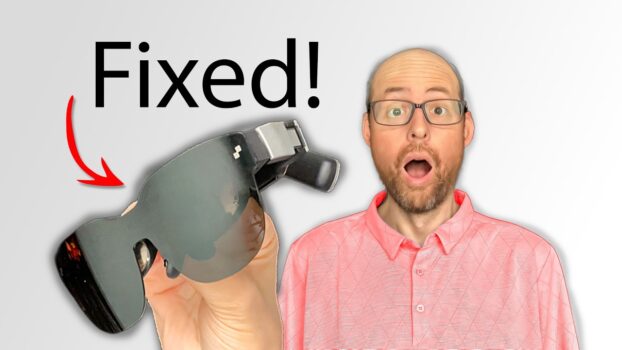
I tested the RayNeo Air 3s as a portable personal display for gaming and video. My focus was whether the revised display, fit, and audio improve the areas that have made earlier AR glasses uncomfortable or awkward to use for longer sessions.
Watch the video
What I tested
- The claimed 201-inch virtual-screen experience.
- The HueView OLED display and changes from earlier smart glasses.
- OptiCare eye-comfort features and overall ergonomics.
- The built-in audio system.
- Setup and compatibility with devices including Nintendo Switch 2 and Steam Deck.
- Handheld gaming with the JoyDock accessory.
The biggest improvement
The biggest problem I wanted the Air 3s to address was the viewing experience. Display glasses can look impressive at first but become frustrating when the image is difficult to position or the edges are uncomfortable to view. The Air 3s pairs its HueView OLED display with OptiCare eye-comfort features, and I spent time checking the display modes, setup, compatibility, and how the glasses felt during actual use.
Who I think it is for
I see the Air 3s making the most sense for someone who wants a large private screen for handheld gaming, travel, or watching movies without carrying a conventional monitor. I tried it with devices including the Nintendo Switch 2 and Steam Deck and also looked at the JoyDock accessory for handheld gaming. Your device still needs compatible video output or the appropriate adapter.
What I did not measure
I did not record controlled brightness, latency, battery-life, or prescription-lens measurements, so I am not assigning numbers to those areas. I also am not giving the glasses a numeric score based on specifications alone. My conclusions here are limited to the hands-on experience and use cases I actually checked.